With all this talk of AI, often there remains the question: how can these tools actually be used to make everything I’m doing that much better?
At Voyage, that means making our workflows more intuitive and streamlined, bringing greater value to clients through the likes of faster bug fixes and more creative problem solving, and making our websites and apps more resilient and future-proofed.
We’ve never been about flashy tech or grand but ultimately empty promises. Instead, we’re passionate about building great digital experiences that delight users and cater directly to business objectives. With this as our guide, we implement AI tools that genuinely serve a purpose or a goal, and we’ve found several that do just this.
Here’s a look at my current stack, with a focus on AI-enhanced tools I’ve come to rely on daily, helping with everything from coding and content to deploying real-world products.
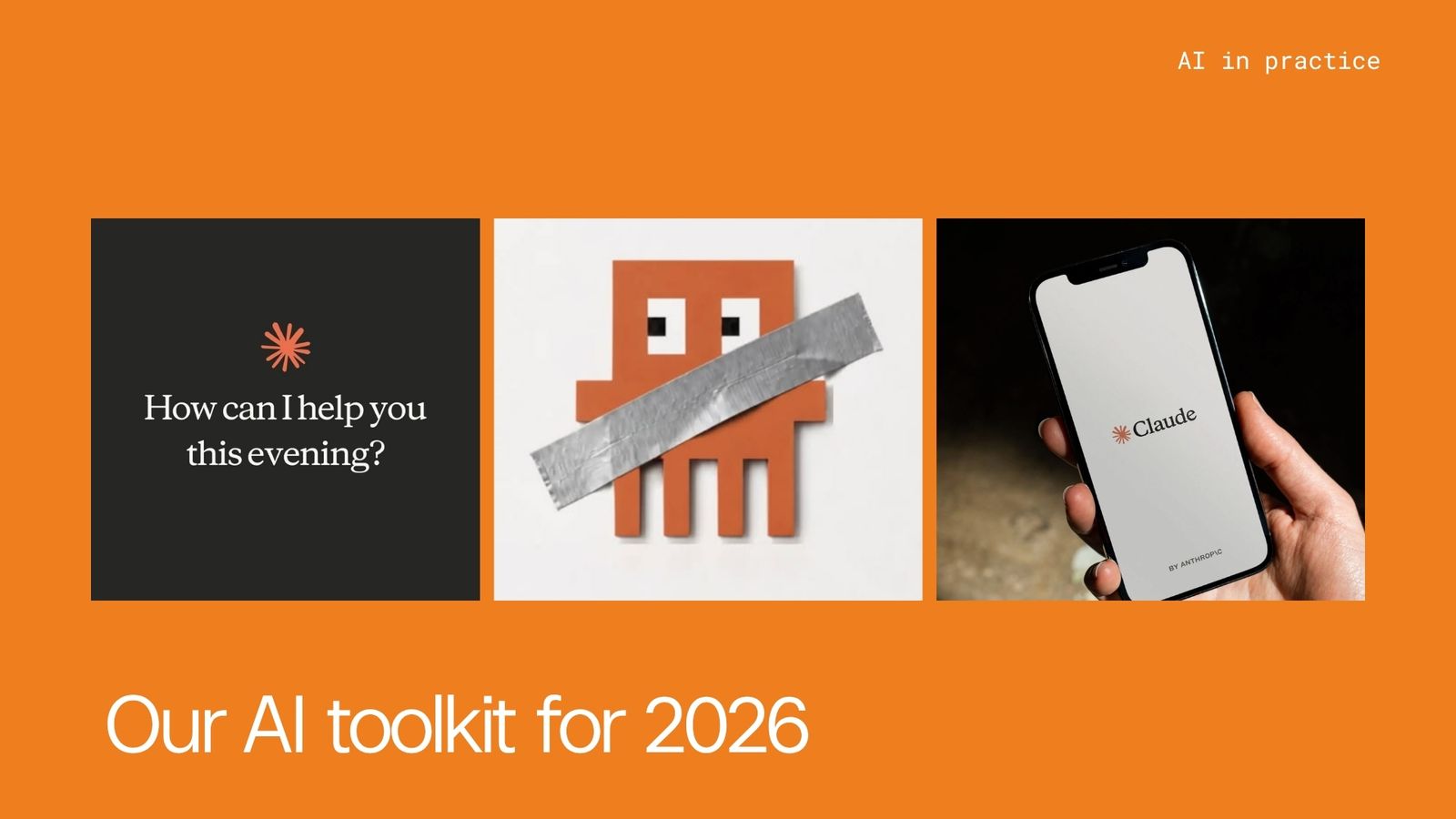
Claude: My #1 AI tool of choice
Let’s start with a tool I use every day: Claude is my go-to AI assistant. I find it’s genuinely helpful when it comes to writing, coding or brainstorming. It’s especially useful alongside Cursor (more on that below), where it acts like an always available teammate, one that understands context and can write real, working code. Whether I’m debugging, generating boilerplate, or exploring a tricky architectural idea, Claude keeps things moving.
Not to mention, Claude Code is, quite frankly, mind-boggling. I can work with Claude directly in my codebase to help improve my code within my specific context, help to finish or extend features, and much more that I’m still exploring. Connecting Claude Code to other desktop apps via MCP allows me to work across all of my top used apps without having to switch screens. It speeds everything up, keeps it all within context, and allows me to focus on the outcome, not how I’m getting there.
Cursor, the AI-first IDE
Cursor has become my default IDE, especially with its Agent Mode. It feels like pair programming with a tireless, context-aware collaborator. I highlight what I want to do, and the AI gets to work. Whether it’s refactoring code, writing new components, or explaining complex logic, it delivers. Paired with Claude, it becomes a massive efficiency boost, especially when I’m in the middle of building something complex or have hit a roadblock with a build or fix.
V0 for a whole new era of prototyping
The prototyping phase has been massively improved through AI tools. Beyond this phase alone, AI tools increasingly provide assistance with more in-depth development tasks, freeing me up to focus on how to deliver greater value to the project.
For one, V0 is insanely fast for spinning up web prototypes, especially if I’m working with Next.js and React. The UI is intuitive, and I can go from wireframe to live preview quickly.
Sanity CMS for a rich and intuitive backend
A functioning prototype is one step, but how well can AI handle and assist with developing a usable, intuitive and rich backend?
Sanity CMS is a flexible, structured content backend that integrates smoothly into both simple websites and full-scale applications. Their content modeling tools are best-in-class, and I particularly like the real-time updates.
Sanity’s AI integrations are also amazing when it comes to getting websites found. We’re not getting AI to write endless pages and blogs - the human touch, our own voice, and top quality still wins out - but Sanity is fantastic for generating all of the meta data that makes pages more SEO-friendly, helps with brainstorming new content ideas, or how to improve the structure and flow of landing pages.
Nano Banana for top class imagery
It’s never been easier to create sleek imagery for any need. Whether I want to showcase a new project we’ve completed, whip up some imagery for social media or create a new design language for a side project, the AI tools can deliver.
My personal favourite is Google Gemini and Nano Banana Pro. Nano Banana allows me to ‘doodle my edits’, which means I can refine my image in much greater detail and more easily. Weavy is another top choice. With the catch phrase ‘artistic intelligence’, this tool leans heavily into the stylistic side of image creation, promising an aesthetic design language with maximum customisation.
A few more dev and workflow essentials for the mix
This is where you can really start to tell I’m a sucker for great tech and will use anything that works. On top of AI tools that help with development specifically, there are a few more solutions in my stack that keep everything running smoothly and ticking over:
- Raycast: A Spotlight replacement for macOS that’s way more powerful. Custom scripts, clipboard history, window management is all available in this productivity tool.
- Linear: Still my favorite tool for project management. Fast, clean and thoughtfully built. The Agent development is fantastic, I’m able to delegate tasks through other tools, such as Sentry, Cursor, Github Copilot, etc.
- Granola: The best app I’ve found for meeting transcription and note-taking. It’s lightweight, accurate and unobtrusive, which is exactly what I want in a meeting tool. It also formats all of my notes, making them easy to read and share if I need to.
Why I’ll continue to explore what AI can offer, without losing a human touch
I understand there’s a lot of fear and debate about AI tools, their incredible functionality and what that means for us as developers working at the heart of this tech boom. While I understand the trepidation and I can experience it myself, ultimately I feel there’s never been a better time to be a developer.
With AI tools like Claude and platforms like Cursor, we can build ambitious projects faster than ever, without burning out or getting bogged down in setup hell. The key is not just speed, it’s alignment. Tools that understand what we’re trying to build and help us get there faster, without taking away control.
Regardless of the project I'm working on, I keep coming back to the fact that these tools speed up manual processes and coding, allowing me to focus on how we can improve the overall usability, form and function of whatever it is we’re building. Already this is the case in some of our current projects, and it’s exciting to be a part of.